NYC Election Day Remote Learning: Plan the Day With Kids
Advice · Published 17 October 2026
Reviewed and approved by a NearbyWise editor before publishing.
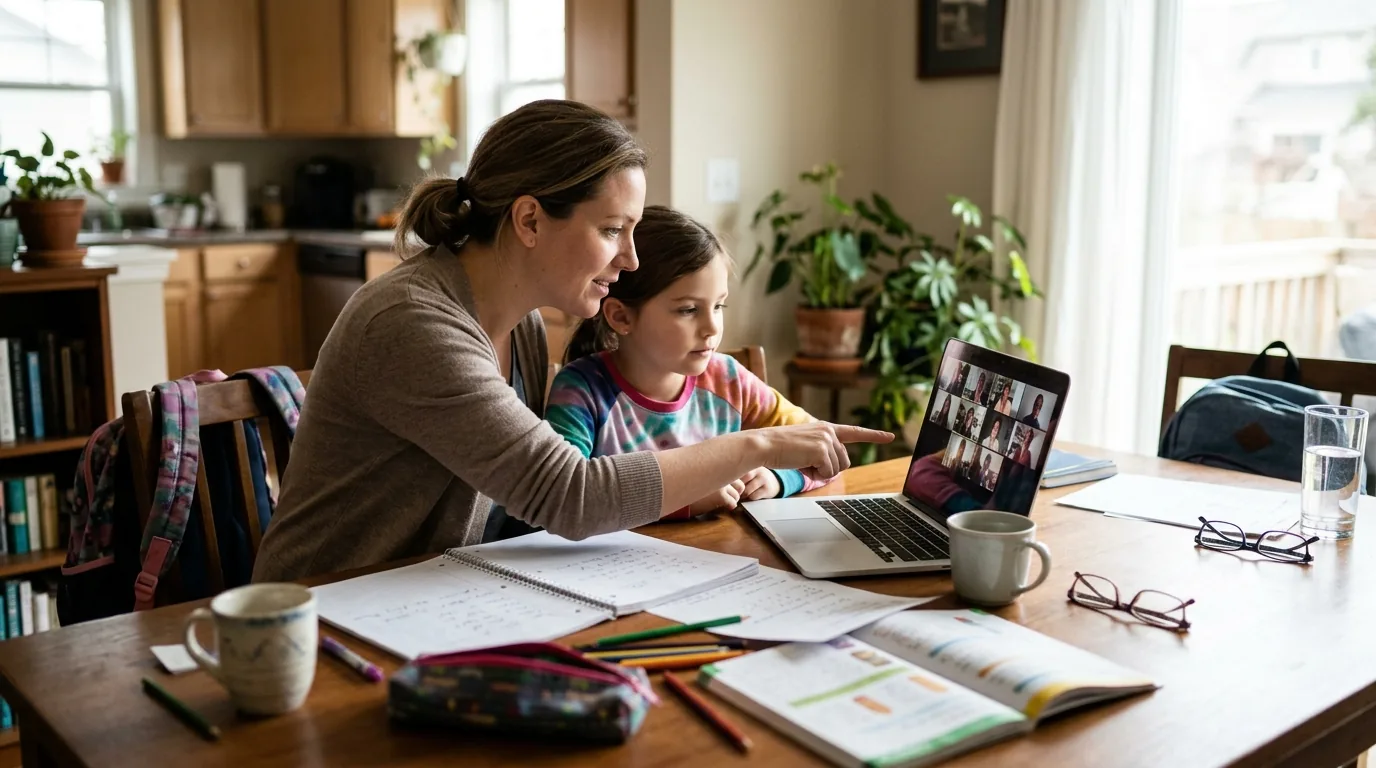
When NYC students learn remotely on Election Day, November 3, your home becomes a classroom for the day, often while you're also working, running errands or heading out to vote. With young kids, that can feel like a lot to juggle. The good news is that a little planning the night before can make the day calmer for everyone. This guide walks you through checking school details, setting up a simple learning space, supervising while you work, fitting in a trip to the polls and even turning the day into a gentle lesson about how communities make decisions together.
Check the details the night before
Schools and teachers may each handle the day a little differently, so start by reading recent messages from your child's school and teacher. Look for:
- The schedule: when live sessions start and end, and any independent work time.
- Login information: usernames, passwords and meeting links, written down somewhere easy to find.
- Assignments: anything your child needs to print, read or gather ahead of time.
- Who to contact: a teacher or office email in case something goes wrong.
If anything is unclear, send a short, friendly message to the teacher a day or two in advance rather than the morning of. Then charge every device you plan to use, test the internet connection and make sure headphones work. Ten minutes of prep in the evening can save you a stressful scramble at the start of the school day.
Set up a simple learning spot
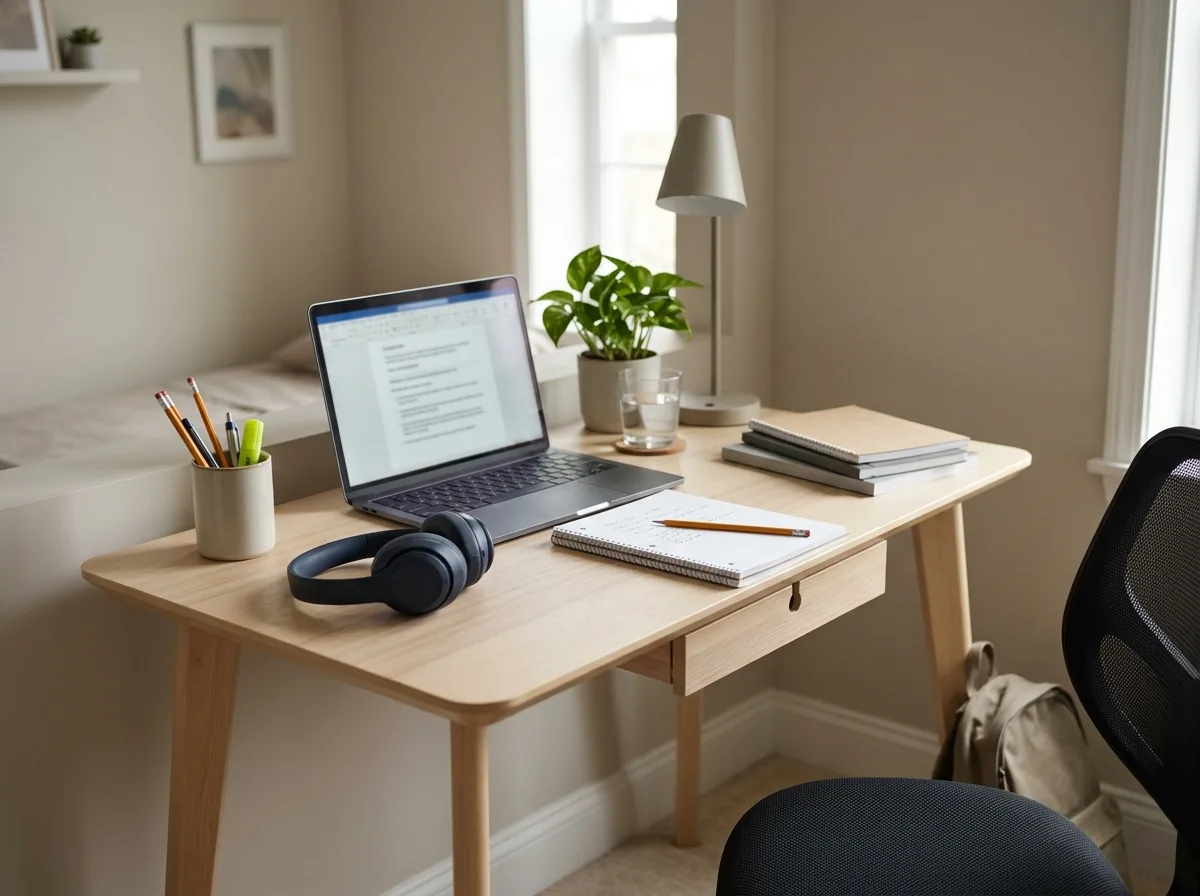
You don't need a dedicated room, just a consistent spot where your child knows school happens. A kitchen table, a corner of the living room or a cleared desk all work. Aim for good light, a chair at a comfortable height and a surface free of toys and clutter.
Keep a small basket nearby with pencils, crayons, paper, a water bottle and any workbooks. That way your child isn't wandering off mid-lesson to hunt for supplies. If you have more than one child learning, try to separate them a bit so their sessions don't talk over each other; headphones help a lot here.
For younger kids, a simple picture schedule taped beside the screen can make the day feel predictable. Little touches like that help them feel more in control and less likely to drift away.
Build a rhythm around live sessions
Once you know the teacher's schedule, sketch out the rest of the day around it. Young kids tend to do best with short blocks of focus followed by movement, so plan breaks between sessions rather than hoping they'll sit still for hours.
A rough rhythm might look like this:
- Morning: breakfast, get dressed as if heading to school, then the first live session.
- Mid-morning: a quick snack and a stretch or dance break.
- Late morning: independent work or reading time.
- Midday: lunch away from the screen and some outside time if you can manage it.
- Afternoon: remaining sessions, then free play.
Getting dressed and following a normal morning routine signals that it's a school day, not a day off. Keep the plan flexible, though; if a session runs long or your child is struggling, adjust without guilt.
Supervising while you work
If you're working from home too, be realistic about what you can do at the same time. Look at your own calendar and try to schedule calls or focused work during your child's live sessions, when they're most occupied.
Some practical ideas:
- Sit within earshot: set up your laptop in the same room so you can glance over and help quickly.
- Use a signal: agree on a quiet hand sign or a sticky note your child can hold up when they need you during your calls.
- Prepare backup activities: coloring pages, puzzles or audiobooks for when schoolwork ends early.
- Share the load: if another adult is home, split the day into shifts.
If you can't stay home, consider swapping supervision with a trusted neighbor, friend or relative whose kids are also learning remotely. Whoever supervises should have the schedule, logins and a way to reach you.
Bringing kids along when you vote
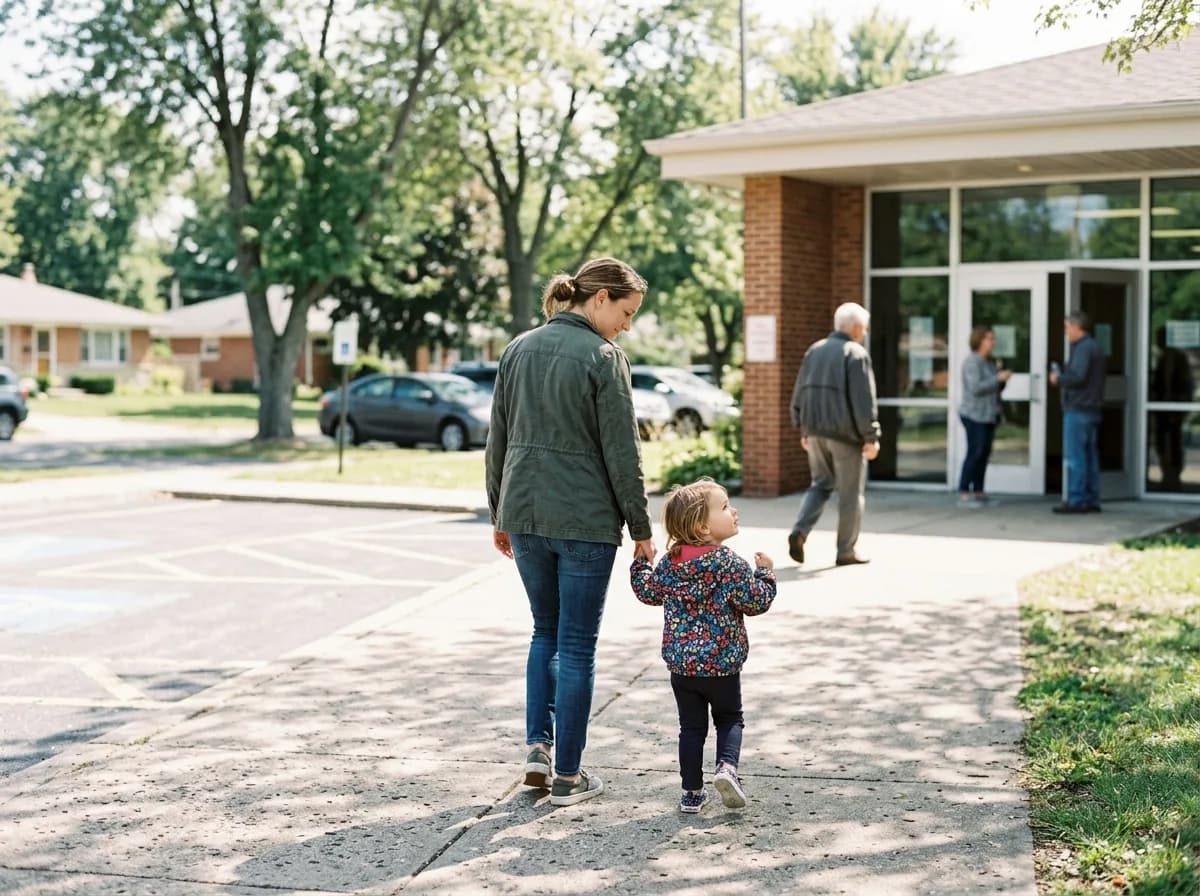
Many parents vote with children in tow, and it can be a meaningful experience for kids. To keep it smooth, plan your trip around your child's school schedule, ideally during a long break or after sessions end. Confirm your polling location ahead of time and check for any posted guidance about bringing children inside, since rules and setups can vary.
Lines can be unpredictable, so pack a small bag with snacks, water, a book or a quiet toy. Dress everyone for the weather in case you wait outdoors. Before you go, explain to your child what will happen: you'll check in, fill out your ballot privately and then leave.
Remind them that voting is private, so they shouldn't announce choices out loud or ask other voters who they picked. If the timing simply won't work with kids, check whether early voting or other options are available to you.
Breaks, meals and screen-free time
A full day of screens can leave young kids tired and cranky, so build in real breaks. Even a few minutes of jumping, stretching or a walk around the block can reset their mood and focus.
Prepare easy meals and snacks the night before so lunch doesn't turn into a rush between sessions. Let kids help pack their own snack containers in the morning; it gives them a small job and a sense of independence.
After school ends, try switching to hands-on activities:
- Building with blocks or cardboard
- Drawing or painting
- Reading together
- Helping with a simple chore like setting the table
If your child seems overwhelmed, frustrated or upset by remote learning on a regular basis, it's worth talking with their teacher or school counselor, who can suggest support that fits your child.
Make it a gentle civics lesson
Election Day is a natural chance to talk with kids about how people make decisions together. Keep it simple and focused on the idea of fairness and participation rather than any particular candidate or party.
Age-appropriate ideas include:
- Hold a family vote: let everyone vote on dinner, a movie or a weekend activity, then count the ballots together.
- Talk about community helpers: explain that elections choose people who help run the city, schools and parks.
- Draw a voting picture: kids can draw themselves voting someday or design an "I helped" sticker.
- Read a picture book about voting or community decisions.
Emphasize that people can disagree respectfully and that everyone's voice counts. These small conversations help kids understand why the day matters, and they make a different kind of school day feel a little more special.
Frequently asked questions
What should I do if my child can't log in on Election Day?
Stay calm, double-check the login details and restart the device and internet connection. If it still doesn't work, email the teacher or school right away so they know your child is trying to attend.
Can I take my kids with me when I vote in NYC?
Many parents bring their children along, but setups can vary by site. Check your polling location's posted guidance ahead of time and bring quiet activities in case there's a wait.
How do I keep a young child focused during online lessons?
Use a consistent learning spot, headphones and short movement breaks between sessions. A picture schedule and a nearby supply basket also help reduce distractions.
What if I have to work outside the home that day?
Arrange supervision with a trusted relative, friend or neighbor, ideally someone whose kids are also learning remotely. Give them the schedule, login details and a way to reach you.
This is general information. For concerns about a child's health or development, speak to a doctor or a qualified professional. Something here wrong or out of date? Report a correction.